
Description
Specifications
Brand: Unnlink
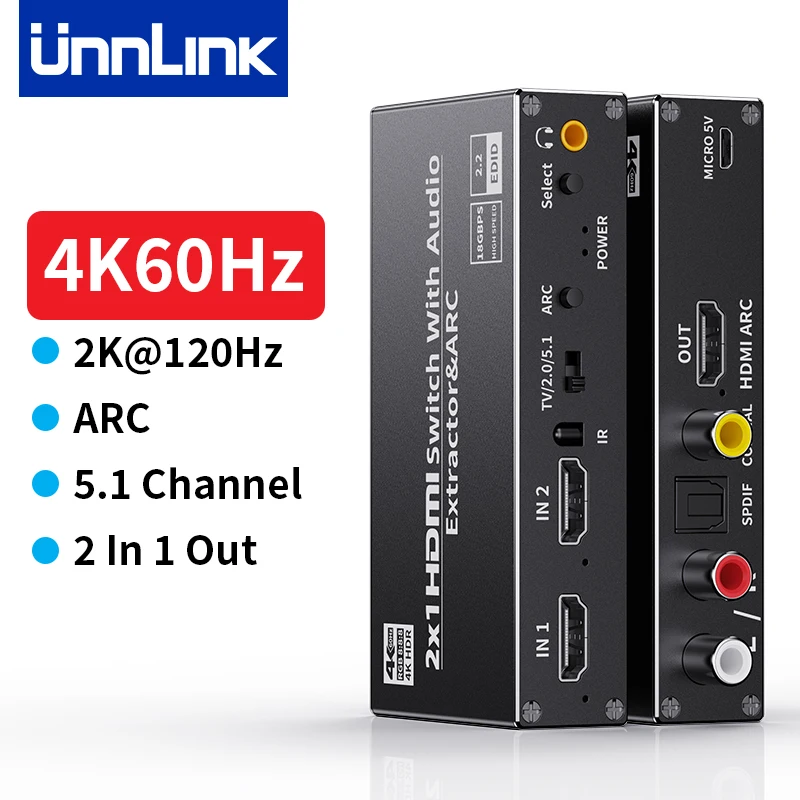
Name: HDMI eARC Audio Extractor
Model: 1785
Function: Extracting multiple audio signals from HDMI audio signals
Input: HDMI*2
Output: 3.5mm*1、Optical*1、 Coaxial*1、HDMI*1
Shell: Alloy Shell
Package: Carton
Please Note
When you use this product to connect TV to amplifier, please open the TV and our product eARC/ARC function.
How to open the TV eARC/ARC?
【For TCL/Sony TV】: "Settings"-"Sound" option, select "Audio Output Device", then select "HDMI-ARC"-"ARC".
【For Xiaomi TV】: "Settings"-"Source" option, select "HDMI Device Control" or "HDMI CEC", then enable "ARC/eARC".
【For Samsung TV】:
Step 1. Press the Home button on the Samsung remote control and select Settings.
Step 2. On the "Settings" screen, select "General Menu" and "External Device Manager".
Step 3. Find Anynet+ (HDMI-CEC) in the External Device Manager menu, then press Enter on the remote control to turn on Anynet+.
How to use this product(eARC Version)?
1>Input: HDMI *2.
2>Output: Optical/Coaxial/3.5mm/HDMI.
3>The signal source connect to HDMI Input, TV connect to HDMI Output, Amplifier connect to Optical/Coaxial/3.5mm/2RCA Output.
4> Turn on the TV’s ARC function.
5> Turn on the ARC of this product. Usually the audio will be output normally.
6> If it doesn’t output, please set the TV audio channel 7.1/5.1/2.1/Auto. Setting Auto (Auto) usually has sound. But if connects 3.5mm (2.1 channel) amplifier, but set TV 7.1 channel, it will not sound output, because 2.1 channel can’t be compatible with 7.1, please set the corresponding 2.1 channel or Auto.
HDMI ARC Audio Extractor
HDMI+HDMI to HDMI Optical Coaxial 3.5mm 2RCA

Interface Diagram


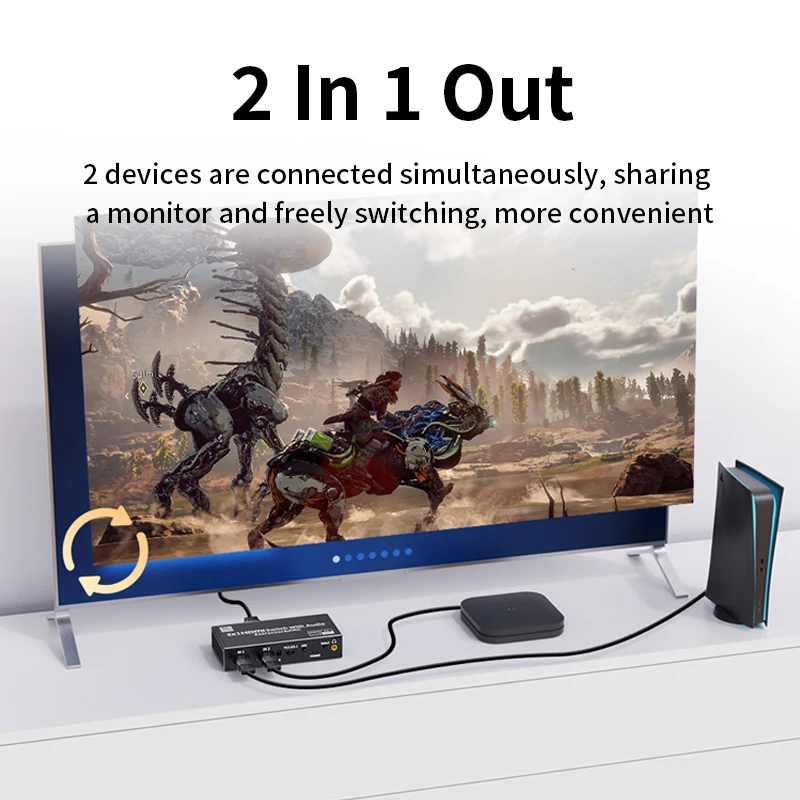
2 Signal Sources Share 1 TV
2 devices are connected simultaneously, sharing
a monitor and freely switching, more convenient

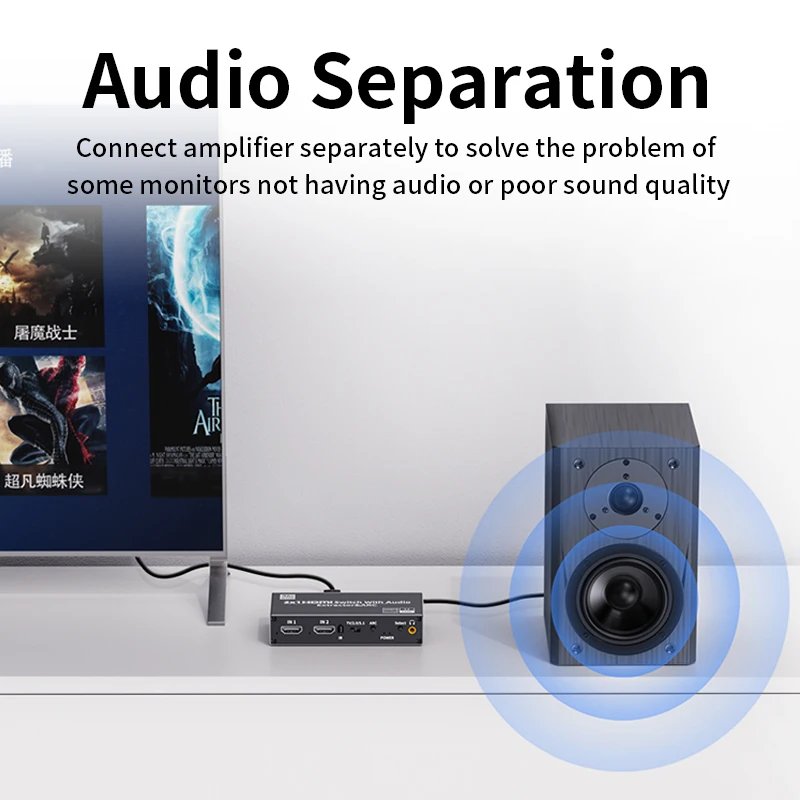
Audio Separation
Connect amplifier separately to solve the problem of some monitors not having audio or poor sound quality

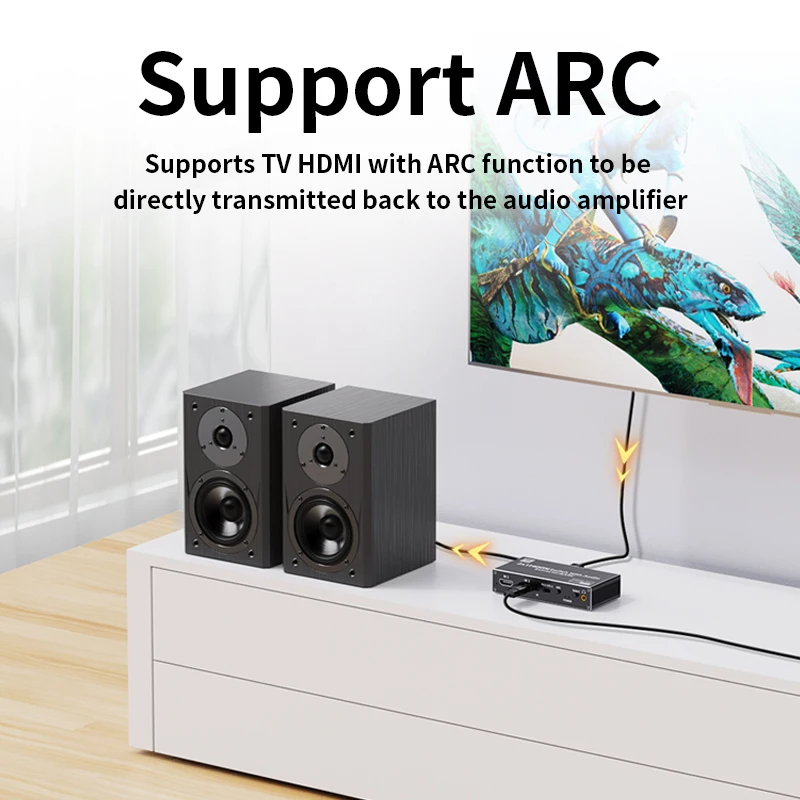
Support ARC
Supports TV HDMI with ARC function to be directly transmitted back to the audio amplifier


Engineering Grade EQ Gain
Input support 15 meters, Output support 15 meters


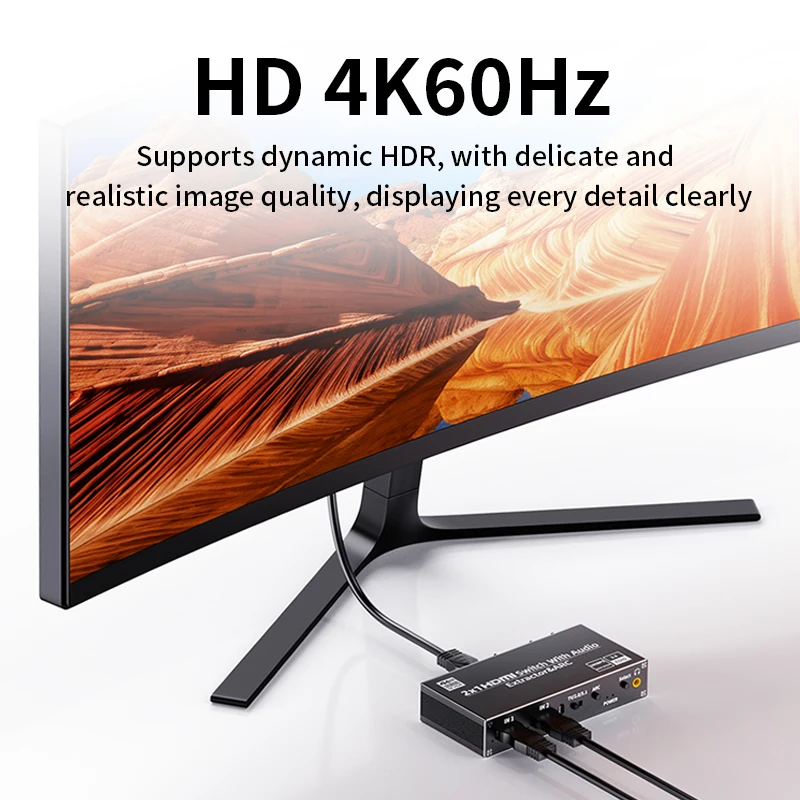
HD 4K60Hz
Supports dynamic HDR, with delicate and realistic image quality, displaying every detail clearly

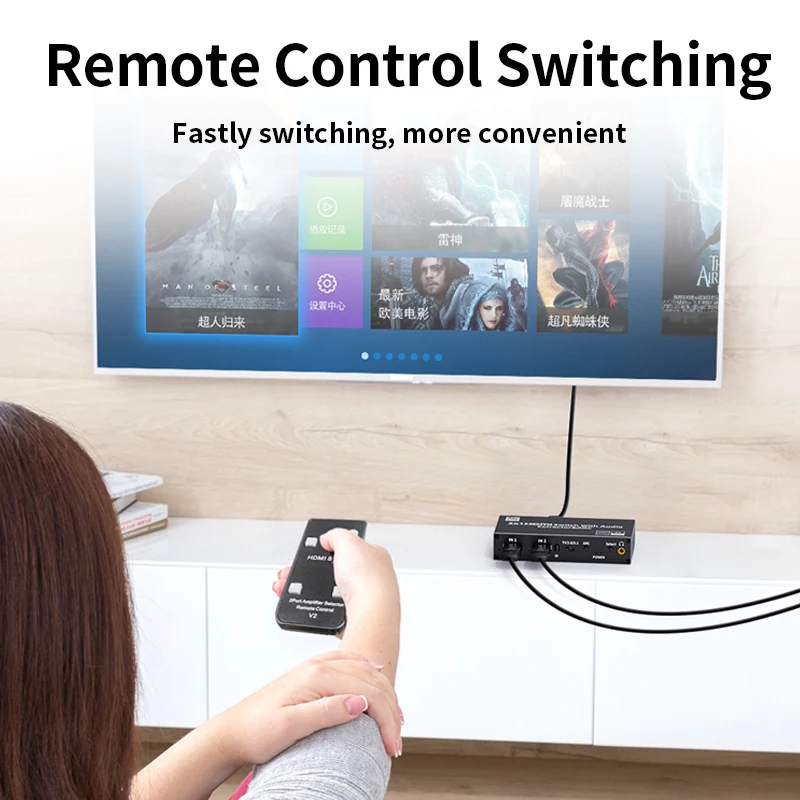
Remote Control Switching
Fastly switching, more convenient

Alloy Shell
Quickly export internal heat to the outside for a longer lifespan

