We may earn a commission if you buy through our links, at no extra cost to you. Products are selected for usefulness, not commission rate.
Emergency gadgets are most useful when they solve a small number of predictable problems reliably: seeing in the dark, receiving or sharing information, keeping essential devices charged, and making a temporary space safer and more comfortable. A practical home kit does not need to look like expedition equipment. It needs tested lights, familiar controls, charged batteries, sensible storage, and a routine that everyone in the household understands.
This guide focuses on rechargeable and portable equipment for short power outages, roadside delays, camping-style backup, and everyday disruptions. It does not replace local emergency guidance, smoke or carbon-monoxide alarms, medical planning, fire-safety equipment, or professional advice. Instead, it helps you choose and organize the electronic tools that support those plans. For current examples, compare Sundoa’s Electronics and Gadgets, Outdoor, and Camping collections.
Emergency gadgets: the quick answer
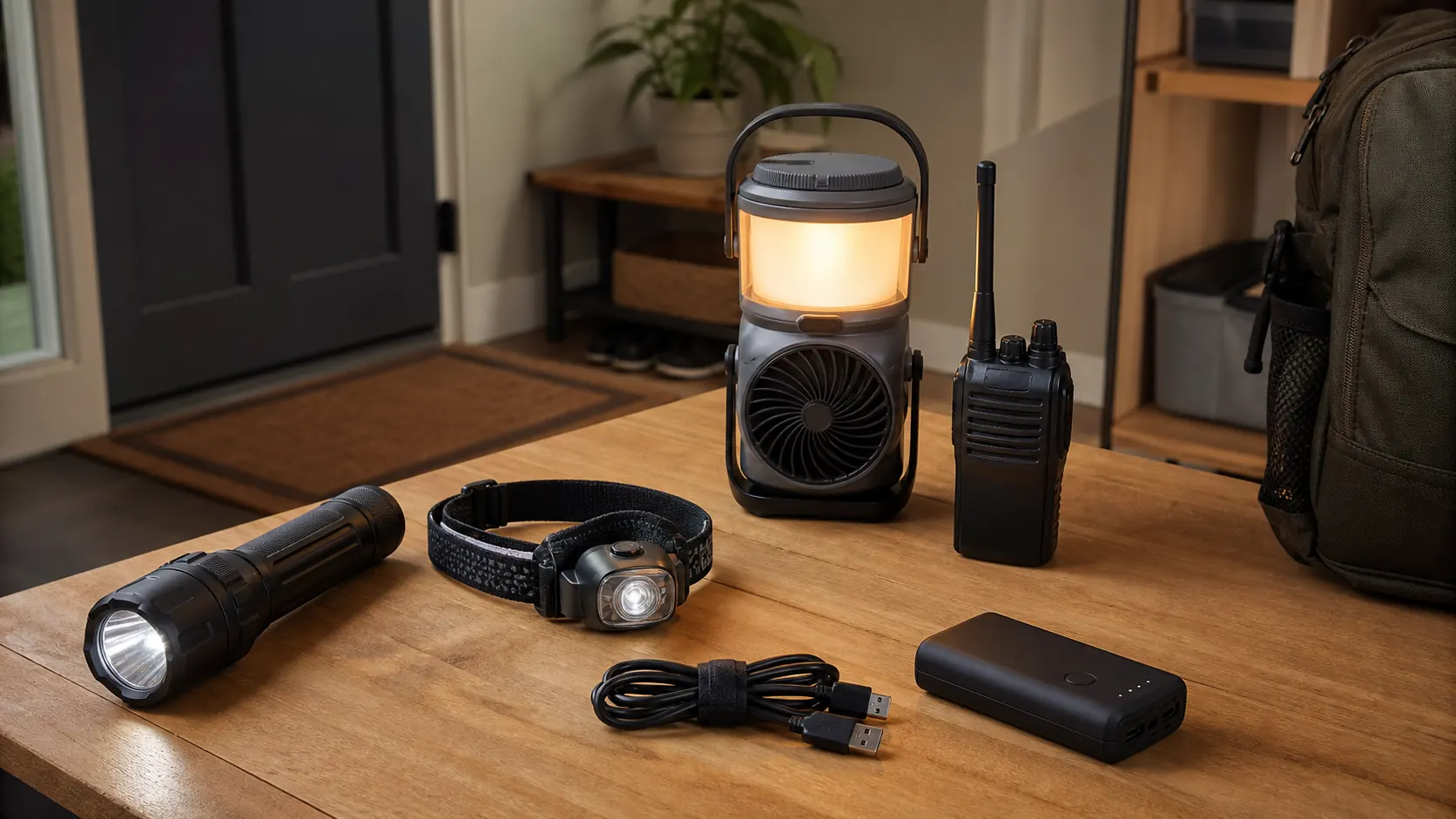
A balanced starter kit usually includes one dependable handheld flashlight, one hands-free headlamp, one area lantern, a tested power bank and cables, and a communication option appropriate to the household. Add a motion-sensor light for stairs or a hallway, plus a compact seat or other comfort item when outages are frequent. Choose products by runtime, charging method, control simplicity, physical durability, and replacement options rather than by the largest advertised brightness number.
- Keep at least two independent light sources in different locations.
- Prefer controls that can be operated in the dark without cycling through many modes.
- Standardize charging cables where practical and label unusual ones.
- Test every item after purchase and on a recurring schedule.
- Store lithium battery products away from excessive heat, moisture, and damage.
- Use indoor combustion equipment only as directed by official safety guidance; electronic gadgets do not make unsafe heat or cooking methods safe.
Compare emergency gadgets at a glance
| Gadget | Best use | What to compare | Sundoa example |
|---|---|---|---|
| Handheld flashlight | Checking rooms, panels, vehicles, and outdoor areas | Stable medium mode, grip, charge indicator, and simple controls | Rechargeable LED flashlight |
| Pocket work light | Immediate carry and close-up tasks | Clip or magnet, charging port, low mode, and switch placement | Rechargeable COB pocket light |
| Area lantern | Lighting a room, table, tent, or shared space | Low-setting runtime, hanging options, stability, and charging method | Solar rechargeable camping lantern |
| Motion light | Marking a hallway, stair route, or entrance | Sensor range, mounting method, manual override, and suitable placement | Rechargeable PIR motion light |
| Power bank or charger | Keeping phones and small communication devices available | Usable capacity, port compatibility, recharge time, and cable condition | Browse chargers |
For more route and area-lighting options, compare the current Lighting collection. A product belongs in an emergency kit only after it has been charged, tested in the intended location, and checked again on a schedule.
Start with the problems, not the products
Buying a pile of devices before defining the use case creates duplication and gaps. Walk through a realistic evening outage. Which rooms become difficult to cross? Who needs hands-free light? Which phone or accessibility device must remain charged? How will the household receive updates? Where will people gather? Which doors, steps, and trip hazards need immediate illumination?
Write those needs as tasks. “Light the route from bedroom to bathroom” is more useful than “buy a bright lamp.” “Charge two phones once” is more useful than “buy the biggest power bank.” “Let two people coordinate within a campsite or property” is more useful than “buy radios.” Tasks make specifications comparable and reduce the temptation to select by dramatic marketing claims.
Plan for layers. A handheld flashlight projects light where you aim it. A headlamp keeps both hands free. A lantern creates low-glare area light. A motion light can illuminate a route automatically. No single light performs all of those jobs equally well, so two or three modest devices can be more useful than one very powerful unit.
Handheld flashlights: reach and control
A handheld flashlight is the first tool many people reach for because it can inspect a fuse panel, look outside, check a vehicle, or aim at a distant object. The rechargeable LED tactical flashlight in Sundoa’s catalog is described with zoom, multiple light modes, an LCD battery display, Type-C charging, and a weather-resistant body. Those features illustrate useful comparison points, but buyers should verify the current seller specifications and avoid treating a nominal lumen value as a complete measure of performance.
Beam shape matters. A narrow beam reaches farther but provides less peripheral awareness. A wide flood beam helps with rooms and nearby work. Zoomable lights trade simplicity for flexibility and may be less sealed than fixed-beam designs, depending on construction. For home use, a stable medium mode is often more valuable than a maximum mode that becomes hot or drains the battery quickly.
Check the switch. A tail switch is easy to find by touch; a side switch may be comfortable during longer use. Some lights remember the previous mode, while others always start at maximum or require cycling through flashing modes. Test this before an emergency. If the user has limited hand strength, confirm the switch and charging-port cover are manageable.
Headlamps: hands-free work
A headlamp helps when carrying supplies, checking equipment, walking a dog, changing a tire, or helping another person. It directs light with the wearer’s gaze and leaves both hands available. The rechargeable multi-filter headlamp is one example in the Camping collection. The exact filters and modes should be checked on its product page, while the broader buying criteria apply to any headlamp.
Comfort is as important as brightness. Look for an adjustable strap, balanced weight, and a lamp angle that stays in place. A heavy battery at the front can become uncomfortable; a rear battery balances weight but adds cable routing. A red or low mode can preserve night adaptation and reduce disturbance, but only if it is easy to select without blasting full brightness first.
Store the headlamp with the strap dry and untangled. Elastic deteriorates faster when wet, stretched, or exposed to heat. Practice adjusting it over bare hair and over a hat. A tool that fits one person but not another should not be the only hands-free light in a shared kit.
Lanterns and fan-light combinations
Area lighting should be diffuse, stable, and positioned to reduce glare. A lantern placed high can illuminate a room more evenly than a flashlight on a table. The telescopic rechargeable camping lantern is presented as a dimmable light and backup-oriented product. Because battery capacity and runtime claims vary by mode and seller, compare the current listing and test actual household performance.
A combined device, such as the 2-in-1 camping fan and hanging light, can add comfort during warm-weather outages. Combination tools save space, but one battery powers several functions. Decide whether that convenience outweighs the risk of losing both light and airflow when the battery is depleted. A low fan setting and moderate lamp level will generally preserve runtime better than maximum output.
Place lanterns on stable, nonflammable surfaces or hang them from secure points. Keep them clear of curtains, bedding, and walking paths. Even efficient LEDs and batteries can become warm. Do not cover a running device to soften the light; use a lower mode or bounce the light from a pale wall instead.
Motion-sensor lights for routes and stairs
A motion light can reduce fumbling for switches and keep a route visible without running continuously. The USB rechargeable PIR motion-sensor night light is described for closets, cabinets, stairs, and kitchens, with a magnetic mounting approach and automatic shutoff. This type of light is especially useful as a secondary route marker, not as the only illumination for a staircase or hazardous area.
Test sensor placement at night. A sensor mounted too high, aimed across a doorway, or blocked by furniture may trigger late. A light facing the eyes can produce glare and make the darker area beyond it harder to see. Mount it low enough to illuminate the floor and step edges, but where it cannot be kicked or detached accidentally.
Rechargeable route lights need a maintenance schedule because they may appear unused for months while slowly losing charge. Mark a calendar reminder and keep the charging cable with the light. If the unit offers always-on, motion, and off modes, label the preferred emergency position so it is not accidentally left disabled.
Power banks and charging strategy
A power bank is useful only when charged, compatible, and paired with the correct cables. Start by listing essential devices and their charging ports. Include phones, a small radio, lights that can accept USB charging, and accessibility devices where appropriate. Medical equipment requires its own manufacturer-approved backup plan; do not assume a consumer power bank is suitable.
Capacity labels are not the same as energy delivered to a phone. Conversion losses, voltage changes, cable resistance, temperature, battery age, and simultaneous use reduce practical output. Plan with margin. A modest power bank assigned to one or two phones may be easier to maintain than one shared unit expected to power every gadget.
Choose recognizable ports and appropriate output standards. A USB-C port can support many different power levels, so connector shape alone does not guarantee charging speed or compatibility. Use good cables, inspect them for damage, and avoid storing tightly kinked cables. Label one set for the emergency kit so daily borrowing does not leave the bag empty.
Recharge power banks according to the manufacturer instructions and inspect for swelling, cracks, unusual odor, heat, or leakage. Stop using damaged lithium battery products and follow local disposal rules. Do not leave them charging unattended on beds, sofas, or other soft surfaces.
Communication: phones, radios, and realistic range
Phones remain central for alerts and contact, but networks may be congested or unavailable. Keep local emergency numbers and important contacts available offline. Download any official information the household may need and maintain a small written contact card in case the phone battery fails.
Two-way radios can help people coordinate within a property, campsite, event, or local outdoor area. The rechargeable mini walkie-talkie listing offers a product example. Radio frequencies, power limits, licensing, and permitted use vary by country. Buyers must confirm that a model and its operating mode are legal where they live.
Advertised range is usually measured under favorable conditions. Buildings, hills, trees, interference, antenna position, and radio height reduce practical distance. Test radios in the actual locations where they will be used. Agree on a channel, call procedure, meeting point, and time for check-ins. Communication plans are more dependable than equipment alone.
Comfort and accessibility during an outage
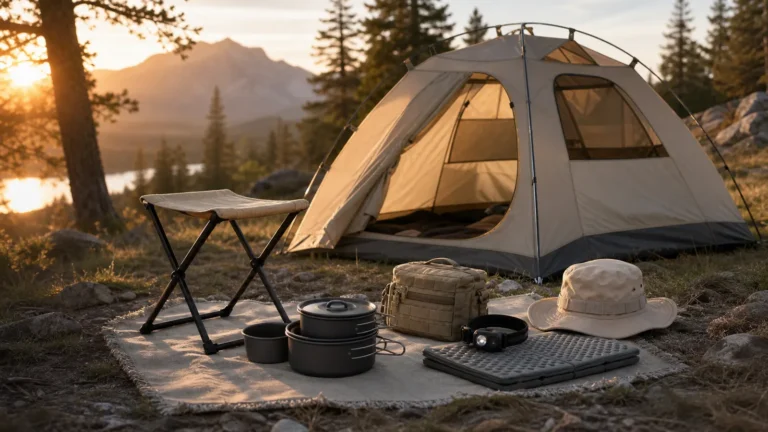
Preparedness is not only about electronics. A stable place to sit, water, suitable clothing, and a calm routine can matter more than another gadget. A compact folding camping stool may help create a temporary seating point near an entryway, charging station, or outside waiting area. Check weight limits, surface stability, and the current product listing before use.
Think about children, older adults, pets, and anyone with sensory, mobility, hearing, or vision needs. Flashing emergency modes can be distressing. Tiny buttons and dark controls can be inaccessible. Spoken alerts may not help someone with hearing loss. Build redundancy around the people who will use the kit, and practice the plan in daylight before relying on it at night.
Create one low-glare gathering area rather than lighting every room at maximum brightness. Close doors to unused spaces, keep walking routes clear, and use familiar containers for supplies. Comfort reduces rushed decisions and conserves battery power.
Build a simple three-layer kit
Layer one: immediate reach
Place a small flashlight or motion light where a person can reach it from bed and near the main living area. It should work without finding another device or unlocking a phone. Keep routes free of loose cables, shoes, and furniture. This layer covers the first minute.
Layer two: household kit
Store the main headlamp, lantern, power bank, cables, radio, spare batteries where applicable, and written instructions in one known location. The container should be easy to carry but not so tightly packed that items are hard to find. This layer supports several hours of organized use.
Layer three: travel or vehicle kit
A smaller duplicate set can live in a travel bag or vehicle when temperature conditions permit. Vehicle interiors become extremely hot or cold, which can damage batteries, so follow manufacturer storage limits and inspect frequently. This layer should include reflective or roadside safety equipment required locally, not only gadgets.
Runtime planning without trusting headline numbers
Runtime depends on brightness level, battery condition, ambient temperature, charging efficiency, and simultaneous functions. Treat seller estimates as test targets, not guarantees. Fully charge a device, run it at the mode you expect to use, and record how long it remains useful. Repeat after several months because battery capacity changes with age and storage.
Use moderate settings. Human eyes adapt to lower light after several minutes, and a lantern at medium output may be more comfortable than maximum brightness. Reserve high mode for inspection or short tasks. If a product displays battery percentage, learn whether the gauge falls evenly or drops quickly near the end.
Record test results on a card in the kit. For example: headlamp medium mode tested for the duration needed to complete normal household checks; lantern low mode suitable for the gathering area; power bank successfully charged the assigned phone. Task-based notes are more meaningful than abstract specifications.
Charging and maintenance calendar
Choose a recurring date, such as the first weekend of each month or the beginning of a season. Charge devices, inspect cables, activate every light mode, test radio communication, check mounting adhesive, and update contact information. A short routine prevents the common failure of discovering an empty battery during an outage.
Do not keep every rechargeable device permanently plugged in unless the manufacturer explicitly supports that use. Store equipment at suitable temperature and protect charging ports from dirt. Remove disposable batteries from devices that will sit unused for long periods if the instructions recommend it, because leakage can destroy the contacts.
After an event, recharge equipment before returning it to storage. Replace consumed supplies, note any device that was confusing, and improve the plan while details are fresh. Preparedness becomes reliable through small repeated corrections.
Common mistakes to avoid
Buying only one bright light: one failure leaves the household in darkness, and a narrow flashlight is poor area lighting. Use layers.
Storing everything in one inaccessible place: a kit in a dark garage or locked cupboard may be hard to reach. Keep immediate lights separate from the main kit.
Mixing unmarked cables: similar connectors may support different charging behavior. Keep tested cables with assigned devices.
Never running a full test: a brief power-on check does not reveal runtime, heat, awkward controls, or charging incompatibility.
Relying on phones for every function: a phone used as a flashlight, radio, map, and communication device drains quickly. Dedicated tools preserve phone power.
Ignoring regulations and safety instructions: radio use, batteries, vehicle storage, and emergency procedures have local requirements. Product convenience does not override them.
A practical outage timeline
The first ten minutes
Use the nearest immediate light and pause before moving through a dark space. Check whether the outage affects one circuit, the building, or the wider area without touching damaged equipment. Move trip hazards from the main route and place a motion light or lantern where it illuminates the floor rather than people’s eyes. Confirm that everyone in the household is accounted for. Preserve phone power by lowering screen brightness and avoiding unnecessary video or background activity.
Do not switch on every rechargeable device immediately. Assign a job to each one. A headlamp can support the person checking the home. A lantern can mark the gathering area. A flashlight can remain available for inspection. This prevents all batteries from being partly depleted at the same time and makes each device easier to find.
The first hour
Gather the main kit, review official information, and decide which devices need charging. Record the time the outage started and the battery level of essential phones. If the event is local and safe to do so, communicate with neighbors or building management using established channels. Keep refrigerator and freezer doors closed as much as possible and follow official food-safety advice rather than guessing based on temperature by touch.
Set the lantern to a moderate level and create one organized charging point on a hard surface. Keep cables out of walking paths. If using radios, perform a brief check and then agree on scheduled contact times instead of transmitting constantly. The objective is to reduce energy use and confusion while maintaining awareness.
If the disruption continues
Reassess rather than simply increasing gadget use. Estimate remaining light and charging capacity from your own tests. Rotate devices when helpful so no single battery is driven to empty. Follow local instructions about water, travel, shelter, and evacuation. If someone relies on powered medical equipment or temperature-sensitive medicine, use the established medical backup plan and contact the appropriate service early.
Longer events expose the limits of consumer devices. A fan-light combination can improve comfort but cannot control dangerous indoor temperature. A power bank can support communication but not household appliances. Knowing those boundaries helps the household act before conditions become unsafe.
Room-by-room placement plan
Bedrooms
Keep a simple light within reach of the bed, positioned so it cannot roll away. A low-output setting is useful because eyes are adapted to darkness. Avoid storing a heavy metal flashlight where it can fall from a high shelf. For children, choose a familiar light with simple controls and teach them to stay in place or follow the household plan rather than walk through darkness alone.
Hallways and stairs
Use low-glare motion lighting to reveal changes in floor level. Test trigger direction from both ends of the route. Adhesive or magnetic mounting is convenient only when the surface is suitable and the light remains secure. Keep handrails clear and do not place loose lanterns on steps.
Kitchen and utility areas
A headlamp is helpful near a fuse panel or while organizing supplies, but electrical work should remain within the user’s competence. Keep lights and charging devices away from water. Do not improvise with candles near curtains, gas, paper, or busy work surfaces. A rechargeable lantern provides area light without an open flame.
Entryway
The entryway can hold the main carry bag, footwear, a radio, and a compact seat. Keep exits unobstructed. Place reflective or locally required roadside equipment with the travel kit rather than burying it beneath household supplies. The entryway plan should work when someone arrives home during the outage as well as when people are leaving.
How to compare rechargeable products honestly
Compare products at the mode you will actually use. Maximum brightness, maximum fan speed, and power-bank output are often presented separately even though using functions together shortens runtime. Look for clear charging-port information, battery indicators, stable low and medium modes, and controls that do not require memorizing a complicated sequence.
Physical inspection matters. Charging-port covers should close securely without being impossible to open. Hanging hooks and handles should support the device in the intended orientation. A headlamp hinge should hold its angle after repeated movement. A flashlight lens should not rattle. A radio push-to-talk button should be easy to locate by touch. These small details affect reliability more than decorative styling.
Use product pages as evidence, not as a substitute for testing. Save the order information and operating instructions, then label the device with its charging cable and normal mode. If the listing makes a critical claim such as water resistance, read the exact rating and limitations. Water resistance is not permission to charge a wet device or expose open ports.
Run a household practice session
A useful practice can be short and calm. In daylight, show everyone where the immediate lights and main kit are stored. Demonstrate the headlamp, lantern, power bank, and radio. Then, during an evening practice, switch off normal lights for fifteen minutes while keeping the electrical supply available for safety. Ask each person to retrieve a light, move to the gathering area, and explain one task.
Notice friction. Was the storage container too high? Did the headlamp start in a flashing mode? Was a cable missing? Did the motion light trigger from the wrong direction? Could someone with glasses, limited dexterity, or hearing loss use the device? Correct those issues immediately and repeat only the part that failed.
Practice should reinforce official emergency actions, not invent competing rules. The value is familiarity: people make better decisions when controls, routes, and responsibilities are already known. A household that can find and operate modest equipment is better prepared than one with advanced devices still sealed in boxes.
Budget, replacement, and redundancy
Spend first on dependable basics and charging compatibility. One tested flashlight, headlamp, lantern, and power bank are more valuable than several untested combination gadgets. Add duplicates only where a single failure would create a serious practical problem, such as the route light needed by more than one person. Redundancy does not require identical products; rechargeable and replaceable-battery lights can complement each other.
Record purchase dates and keep instructions. Rechargeable batteries are consumable components even when sealed inside a device. A product that still switches on may no longer provide useful runtime. Replace it when testing shows it cannot perform its assigned task, when the battery or enclosure is damaged, or when the charging connection becomes unreliable.
Do not keep questionable equipment as a “backup.” A swollen power bank, cracked lantern, corroded battery compartment, or intermittent cable adds uncertainty. Retire and dispose of it through the correct local channel. A small kit with known condition is easier to trust, maintain, and carry.
Frequently asked questions
What are the most important emergency gadgets for an apartment?
Start with a handheld flashlight, headlamp, area lantern, charged power bank with tested cables, and a route light for a hall or bathroom. Add communication and accessibility tools based on the household. Keep official alarms and building-specific evacuation equipment separate and maintained.
Are rechargeable lights better than battery-powered lights?
Neither system is always better. Rechargeable lights reduce disposable-battery use and are easy to top up, but they require charging discipline. Replaceable-battery lights can be replenished quickly when compatible batteries are available. A mixed kit provides useful redundancy.
How often should I charge emergency devices?
Follow each manufacturer’s instructions and inspect on a recurring schedule. Monthly or seasonal checks are common planning intervals, but battery chemistry, standby drain, temperature, and device design differ. Record the charge date rather than relying on memory.
How many flashlights should a household have?
There should be enough independent lights for key people and locations, with at least one backup if the primary light fails. A small home might use immediate bedside lights plus a headlamp and lantern in the main kit. Larger homes need route-based planning.
Can I store a power bank in a car?
Only within the manufacturer’s storage-temperature limits. Parked vehicles can become extremely hot or cold, accelerating degradation and creating safety risks. A travel kit that moves with you may be safer than permanent vehicle storage in harsh climates.
What brightness setting should I use during an outage?
Use the lowest setting that makes the task safe. Moderate area light reduces glare and conserves energy. Use high output briefly for inspection, distance, or detailed work. Avoid shining bright lights into people’s eyes.
Do I need a solar charger?
It depends on outage duration, climate, storage, and the devices being powered. For short disruptions, a maintained power bank may be simpler. Solar charging is variable and should be tested under real conditions rather than assumed from panel size alone.
Will a walkie-talkie work when mobile networks fail?
A compatible two-way radio can communicate directly with another radio within practical range without a mobile network. Actual range depends on terrain and buildings, and use must comply with local frequency rules. Test the exact route and agree on procedures in advance.
Where should the kit be stored?
Use a dry, temperature-appropriate, easy-to-reach location known to everyone responsible. Keep an immediate light near sleeping and living areas, because the main kit may not be reachable safely in total darkness.
How do I know whether a product is still reliable?
Inspect it, charge it, run it at the intended mode, and verify its assigned task. Retire devices with swelling, cracks, damaged cables, unreliable switches, excessive heat, or abnormal odor. Follow local battery recycling and disposal guidance.
Final preparedness checklist
- Two or more independent lighting methods
- At least one hands-free light
- One stable area light
- Charged power bank and tested cables
- Offline contacts and official information
- Communication method appropriate to the location
- Accessible storage and written instructions
- Recurring charge, inspection, and runtime tests
The best emergency gadgets are ordinary tools that have been selected for clear tasks and practiced before they are needed. Build the kit gradually, test it in the rooms and routes where it will be used, and keep the controls simple. That approach creates more resilience than an impressive box of equipment nobody has charged or learned to operate.
Related Products
-
 For Home
Waterproof Solar LED Step Light for Patio
Waterproof Solar LED Step Light for Patio is an option for interior, task or portable…
$0.99 View deal -
 Chargers
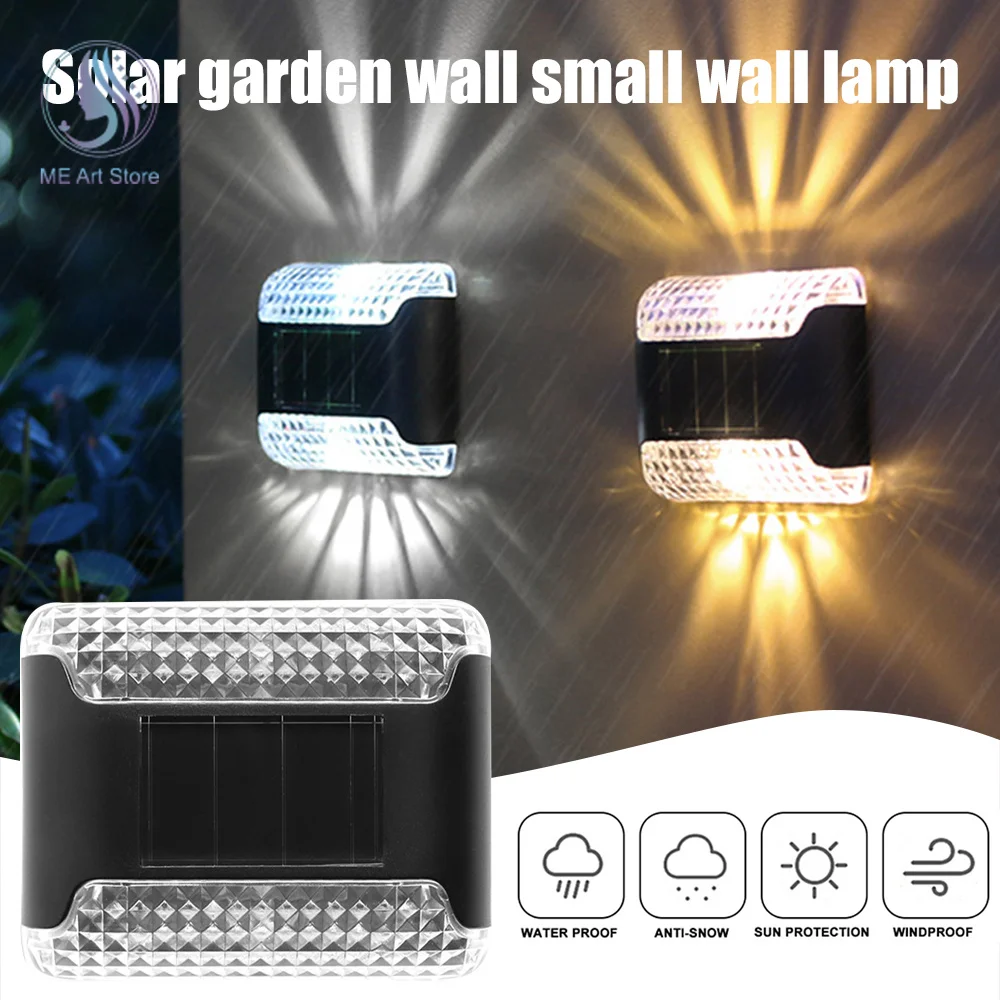
Waterproof Solar Up-Down LED Wall Light
Waterproof Solar Up-Down LED Wall Light is an option for interior, task or portable lighting.…
$3.99 View deal -
 For Home
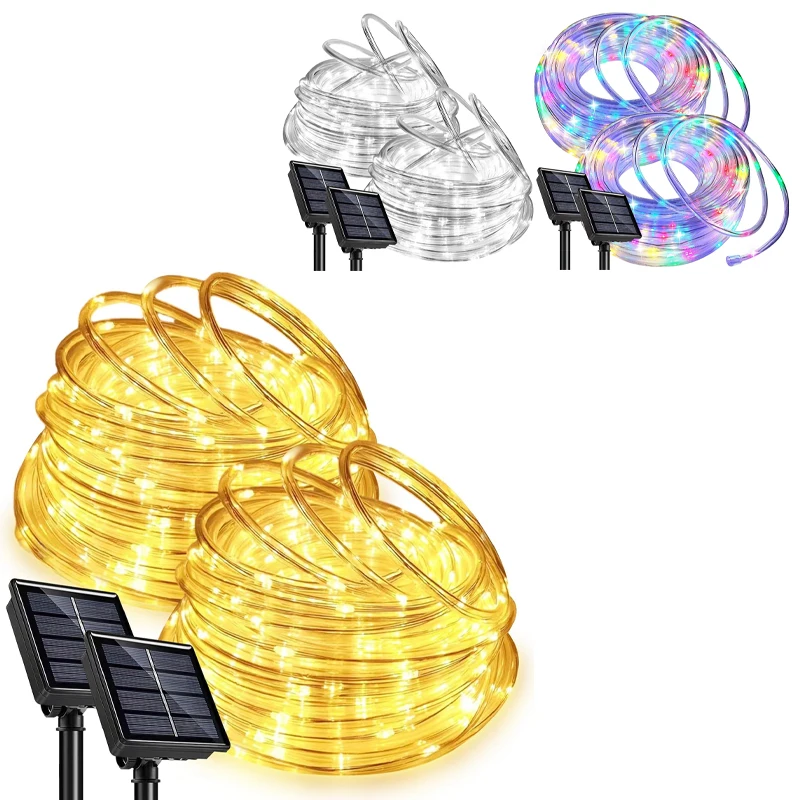
Waterproof Solar LED Rope Lights Outdoor
Waterproof Solar LED Rope Lights Outdoor is an option for interior, task or portable lighting.…
$8.50 View deal -
 Camping
Waterproof Solar Colored Decorative Lawn Light
Consider Waterproof Solar Colored Decorative Lawn Light when comparing products for interior, task or portable…
$12.00 View deal -
 Lighting
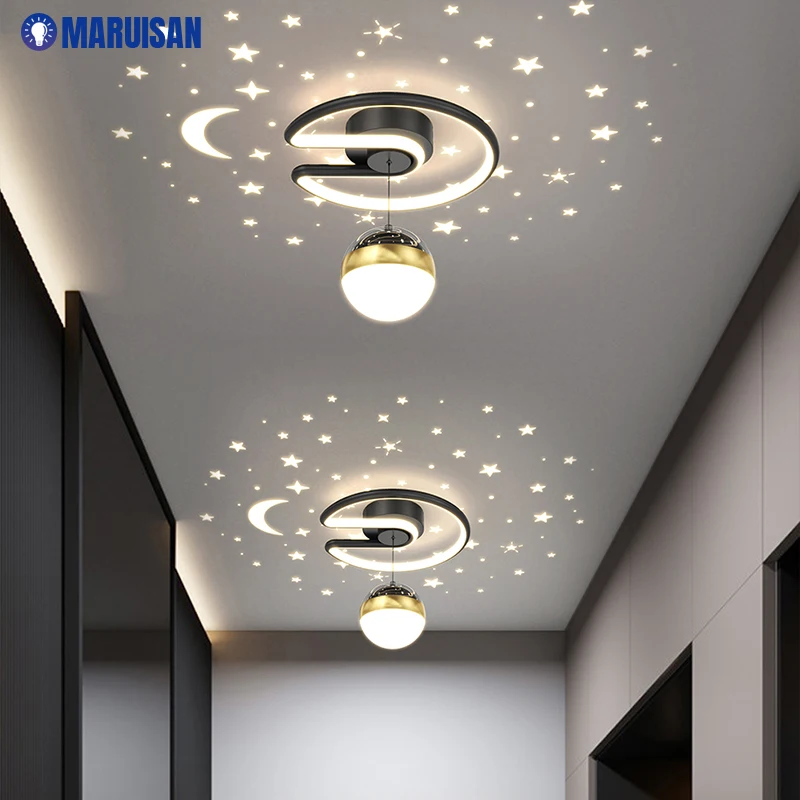
LED ceiling light – living room / hall
Designed for shoppers comparing options for interior, task or portable lighting, this product listing features…
$45.00 View deal -
 Lighting
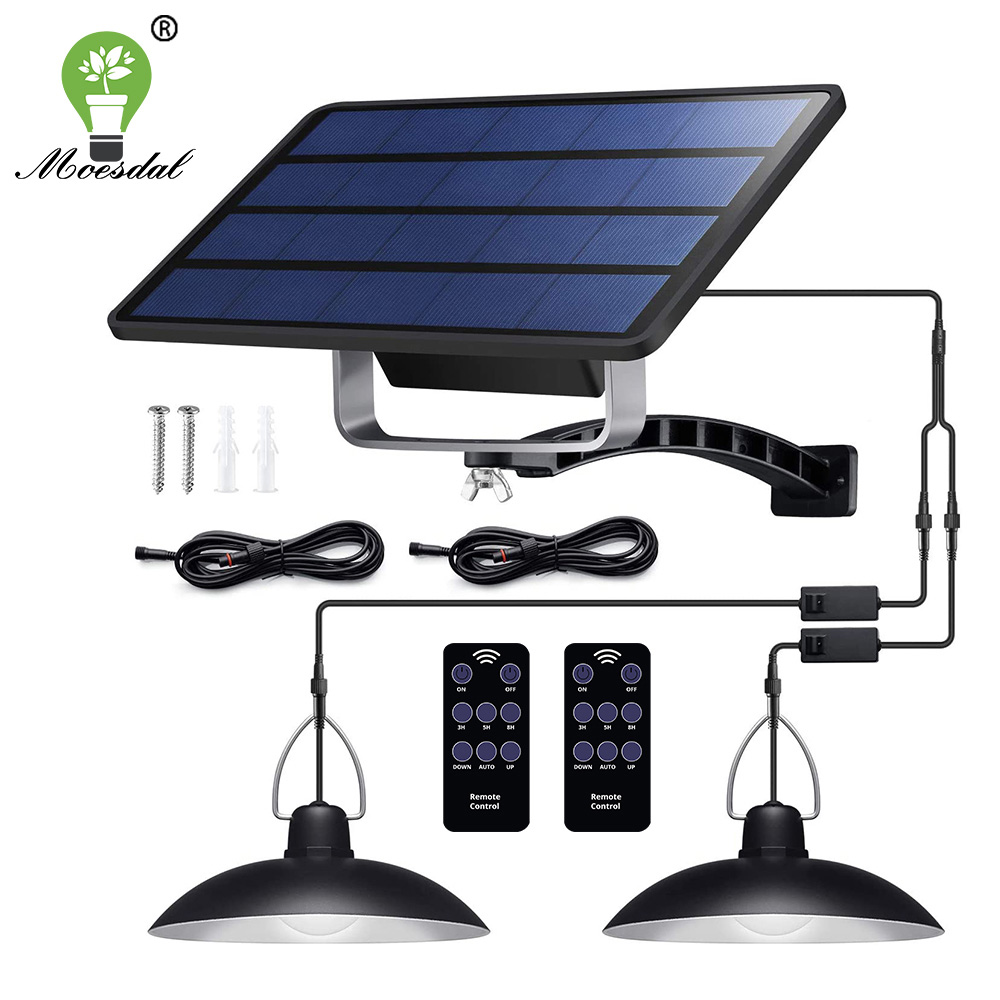
Double-Head Solar Pendant Light with Cable
This listing covers IP65 Waterproof Double Head Solar Pendant Light Outdoor Indoor Solar Lamp for…
$19.10 View deal -
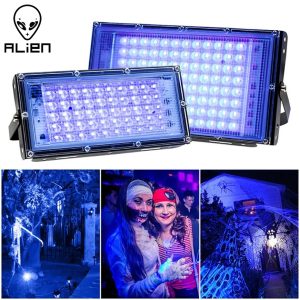 Camping
LED UV Black Lights Stage
ALIEN 50W 100W Blacklight Ultraviolet Flood Effect Light for Halloween Xmas Dance DJ Disco Party…
$12.66 View deal -
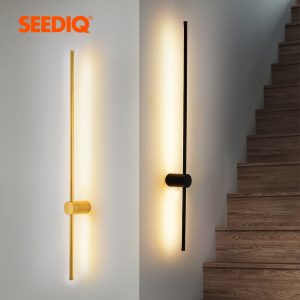 For Home
Modern Led Wall Lamp
Fixture Wall Sconce Light Indoor Light Living Room Bedroom Sofa background Wall Lamp
$53.50 View deal -
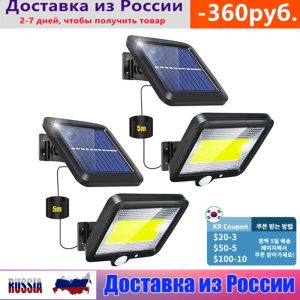 Lighting
LED Solar Powered Light Outdoors
PIR Motion Sensor Sunlight Waterproof Wall Emergency Street Security Lamp For Garden
$9.99 View deal